You may be offered a verification video, which helps Google confirm that you manage or represent the business. You must capture the footage live in one unedited, unique and complete recording with no breaks, lasting at least 30 seconds. It is recorded on a mobile device and uploaded through your Business Profile. Once it is uploaded, Google reviews the video, which can take up to five working days.
What Google's video verification asks for
If your business is eligible for video verification, Google recommends using that option. Verification methods are automatically determined by Google and can't be changed, as detailed in their guidance on verification methods. The options available depend on your business type, public info, region or opening hours, and in some cases you may need to verify with more than one method.
The video must be recorded and uploaded from a mobile device through your Business Profile. You must capture the footage live, as pre-recorded videos aren't allowed, and you can't record it offline and upload it later. Google says to plan the video before you record so that you can capture everything in one continuous take.
Your business name on Google should reflect your real-world name, as used consistently on your shop front, website, stationery and as known to customers. Including unnecessary information in the business name isn't permitted and could result in the suspension of your Business Profile. Google's examples of what a name must not include are marketing taglines, fully capitalised words, phone numbers or website URLs, opening hours, service or product information and location information.
Settle your categories before you record, because changes to your business info may require re-verification. Most gutter cleaners use Gutter cleaning service as their primary category on Google. Some add categories such as Gutter service, Pressure washing service, Window cleaning service or Property maintenance, but only where the category describes work the business really does. There is more in the guide to setting up your profile.
Service area business or shop front
Google defines a Service Area Business as one that goes to customers or offers services but doesn't serve them at its business address, for example a locksmith or a plumber. Gutter cleaners work at customers' homes and do not serve customers at their own address, so they fit Google's definition of a Service Area Business, usually run from home. If you don't serve customers at your business location, Google says not to add your business address to your Business Profile.
Most gutter cleaners therefore follow the Service Area Business rules and do not add a home address to their profile. There is more on setting service areas when you work from home.
Google defines a shop front business as one that interacts with customers in person during opening hours at a physical location with permanent on-site signage. A hybrid business serves customers at its location and also visits or delivers to them. If a business doesn't have a physical location, Google says to list it as a Service Area Business instead. A shop front or hybrid video must show the business location using street signs, building numbers, nearby businesses or familiar places. It must also show proof the business exists through the shop front, showroom or signage, with the business name clearly printed on a permanent fixture such as a signboard, wall or window, matching the name on the Business Profile, and proof of management using things only an employee can access, such as a cash register, kitchen, storage room or point of sale system.
The three things the video must show
A Service Area Business video must show where the business operates. You need to record street signs, nearby landmarks or other identifiers at your business address, and avoid filming empty land or locations without clear markers. Google's tip is that if you run a Service Area Business from your home, you can record landmarks and signs in your immediate neighbourhood to verify the address.
A Service Area Business video must also show proof that the business exists. This means capturing the professional tools, equipment or products you use for work. Google's examples include specialised machinery, your workspace, business cards and branded apparel worn by employees or customers.
Finally, a Service Area Business video must show proof of management. Google asks you to record yourself performing a service or accessing business-only assets, such as unlocking a van that has your business branding. Because you should not film at a customer's house, unlocking your own van is the simplest choice. You can also show business documents like a business permit, invoice or utility bill that matches the name on your Business Profile.
Google's FAQ for businesses that offer in-person services without a physical location confirms you can still show the place where you provide services, the tools you use and documents associated with your business. Its examples include street name and building number or business signs near your service area, a branded vehicle or marketing items, your workspace, tools or equipment, and a business permit, invoice, utility bill or other documents that show your business name.
What to film, shot by shot
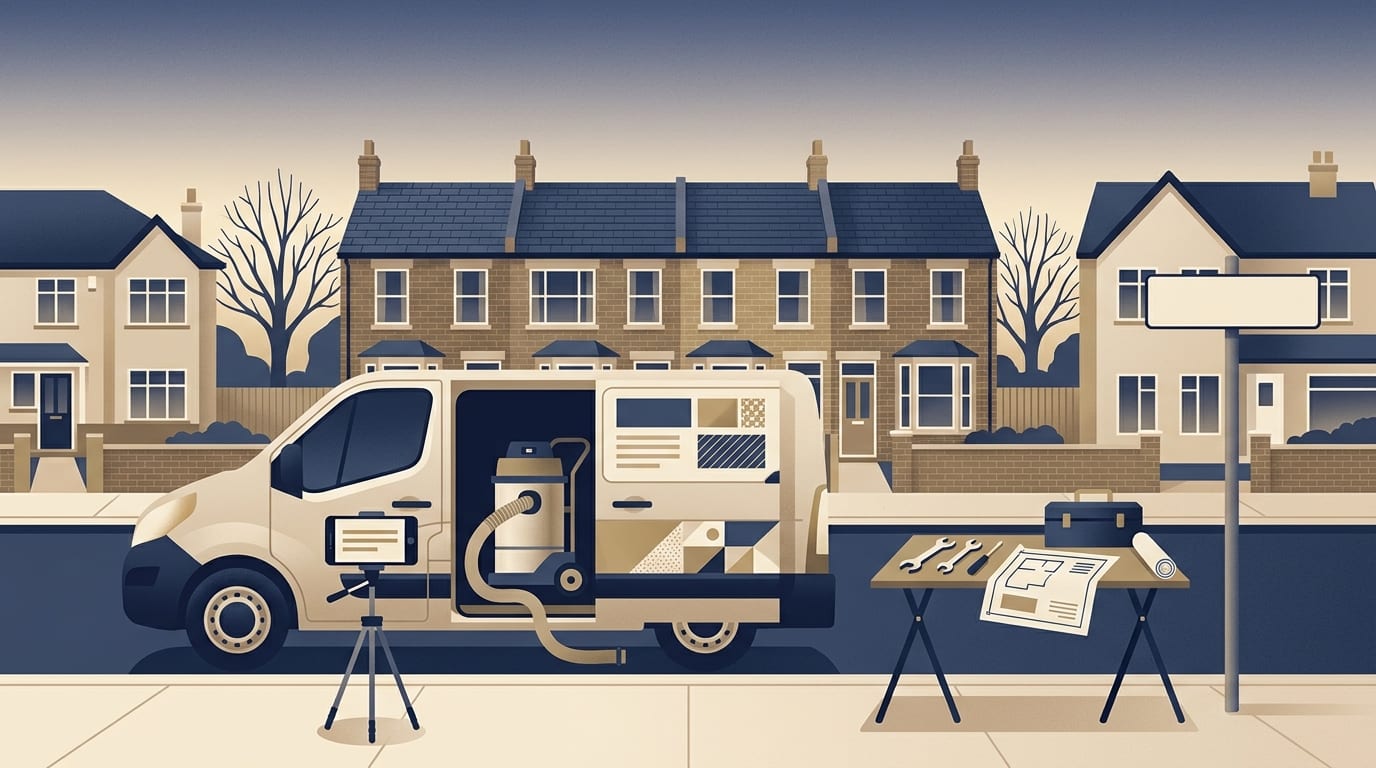
Plan and rehearse the route first, because the recording has to be live, unedited and without breaks. Check that the business name on the van and on any document matches the name on the profile. Here is one continuous walk built from Google's examples:
- Start at the nearest street sign or landmark to your base to show where the business operates.
- Keep recording as you walk to your van, so the vehicle is shown in your immediate neighbourhood.
- Unlock the van to prove you have access, and clearly show the business name on it if it carries one.
- Show your tools, such as the gutter vacuum system (switched off), carbon fibre poles, camera inspection kit and ladders, laid out on the ground.
- Point the camera at the stock you carry, including hoses, nozzles, bags and spare parts for the vacuum.
- Show branded workwear without capturing anyone's face.
- Hold up a document in the business name, such as an equipment supplier's invoice or a utility bill, with bank details and account numbers covered.
- Review the video to make sure it runs for at least 30 seconds and shows all the required info.
What must stay out of the video
The video must not include sensitive info like bank account, tax or ID numbers. When you hold up a business document, ensure you cover any payment details with your hand or a piece of paper. The video must also not include private info about you or others, or other people's faces.
Two safety points apply to gutter cleaning. Never film from a ladder, because holding a phone while working at height is dangerous. Do not film at a customer's house either, where the address and anyone nearby are private.
How to record and upload the video
Google changes these screens from time to time, and the names here are the ones Google's help pages used in November 2026. Follow these exact steps to record and upload your video:
- On your mobile device, go to your Business Profile and tap Get verified.
- You may need to enter your phone number and tap Next.
- Tap Business video, then Next, and read the video requirements.
- You might be asked to allow access to your location, camera and microphone.
- Tap Next, then Start recording.
- Use the on-screen buttons to start and stop recording.
- Review the video to make sure it shows all the required info.
- Tap Try again if you need to re-record, and tap Upload video.
If a video doesn't upload on the first try, Google says to upload it again. If you are asked to re-upload, the video likely didn't meet the requirements, so record a new one that does.
What to do if Google rejects it
After you upload, Google reviews the video, which can take up to five working days. The result is either successful, where Google lets you know when your business is verified, or not successful. If you verify by video recording and get a 'Review issues' notification, your video wasn't accepted. Select Review issues and follow the on-screen instructions.
When a video is not successful, it means it didn't meet all the requirements. You can record a new one, and Google shares the reasons why the first video wasn't accepted. To send a new video, go to your Business Profile on your mobile device, tap Review issues, review the issues, record your video and upload it. The new video must include all the info shown in the first video plus all the missing info.
Google gives three example issues. The first is 'Business name not visible on shop front', which is aimed at shop front videos, so a gutter cleaner should make sure the business name is readable on the van, the workwear or the document shown. The second is 'No nearby area shown', which means the video needs a clear street sign or landmark near your base, so you could start the next recording at one. The third is 'Missing proof of authorisation to operate the business', which calls for proof of management, such as unlocking the branded van or showing a document in the business name.
If the 'Get verified' button appears on your Business Profile again, Google couldn't completely verify your business. Try to re-verify, and if the profile shows several verification options you can try other methods. Google's support team is available to help, but Google asks you to try the available verification methods first.
You can delete your verification video at any time, and if you don't, Google deletes it later. If you cancel the upload, both you and Google lose access to the video. To delete it: on your mobile device, go to your Business Profile, tap More at the top right, then Business Profile settings, then Advanced settings, and under 'Video uploads' tap Delete videos.
Common questions
Can I record it in advance?
No. Pre-recorded videos aren't allowed, so the only preparation you can do is planning and rehearsing the route.
How long does the review take?
Up to five working days. Google then lets you know when the business is verified, or shares the reasons why the video wasn't accepted.
What if my van has no signwriting?
If your vehicle is not branded, you can still show proof of management in other ways. Unlock the van to show you have access, film your professional equipment inside, and hold up a business permit, invoice or utility bill that shows your business name.
Why will the video not upload?
Upload it again, as Google advises. If you are still having trouble, check that the video meets all the requirements and that you allowed access to your location, camera and microphone when the app asked, then try again.
Can I pick a different method?
Google chooses the methods and they can't be changed. If the profile shows several verification options you can try other methods, but Google asks you to try the available methods first.
Your next steps
Before you start recording, run through this final checklist to prepare your equipment and documents:
- Check that your business name on the profile matches your real-world name exactly.
- Gather your cleaning tools, ladders and branded workwear at your base.
- Cover any sensitive bank or tax numbers on your utility bill or equipment invoice.
- Plan a continuous walking route from the nearest street sign to your van.
- Check your mobile device has allowed access to the location, camera and microphone.
Once Google lets you know the business is verified, keep the name and categories as they are unless something really changes, because changes to your business info may require re-verification. To compare with other local firms, see how gutter cleaners near you are listed.
Find a top rated gutter cleaner near you
604 gutter cleaners across the UK, each ranked on their Google rating and the number of reviews behind it. Start with your county: