A complete and accurate Google Business Profile gives customers the details they need when they want their gutters cleared. Google says businesses with complete and accurate information are more likely to show in local results, so it is worth entering your details carefully. Nobody can promise a result, because Google decides what shows and where.
Adding or claiming your profile
The process of creating your listing starts directly on Google and costs nothing. Google changes these screens from time to time, and the button names and menus listed here are the ones Google used on its help pages in November 2026. If you are taking over an existing firm, you might find the listing already exists and just needs claiming.
To add a business that is not on Google, you will need to follow a few plain steps on your phone or computer.
- Go to business.google.com/add on your device.
- Click Add your business to Google.
- Follow the on-screen instructions to add your details.
- Select a verification option to prove you run the business.
Adding or claiming a business costs nothing. After you add your details you select a verification option, and Google decides which options your business is offered. There is more on verifying a gutter cleaning business if you need it.
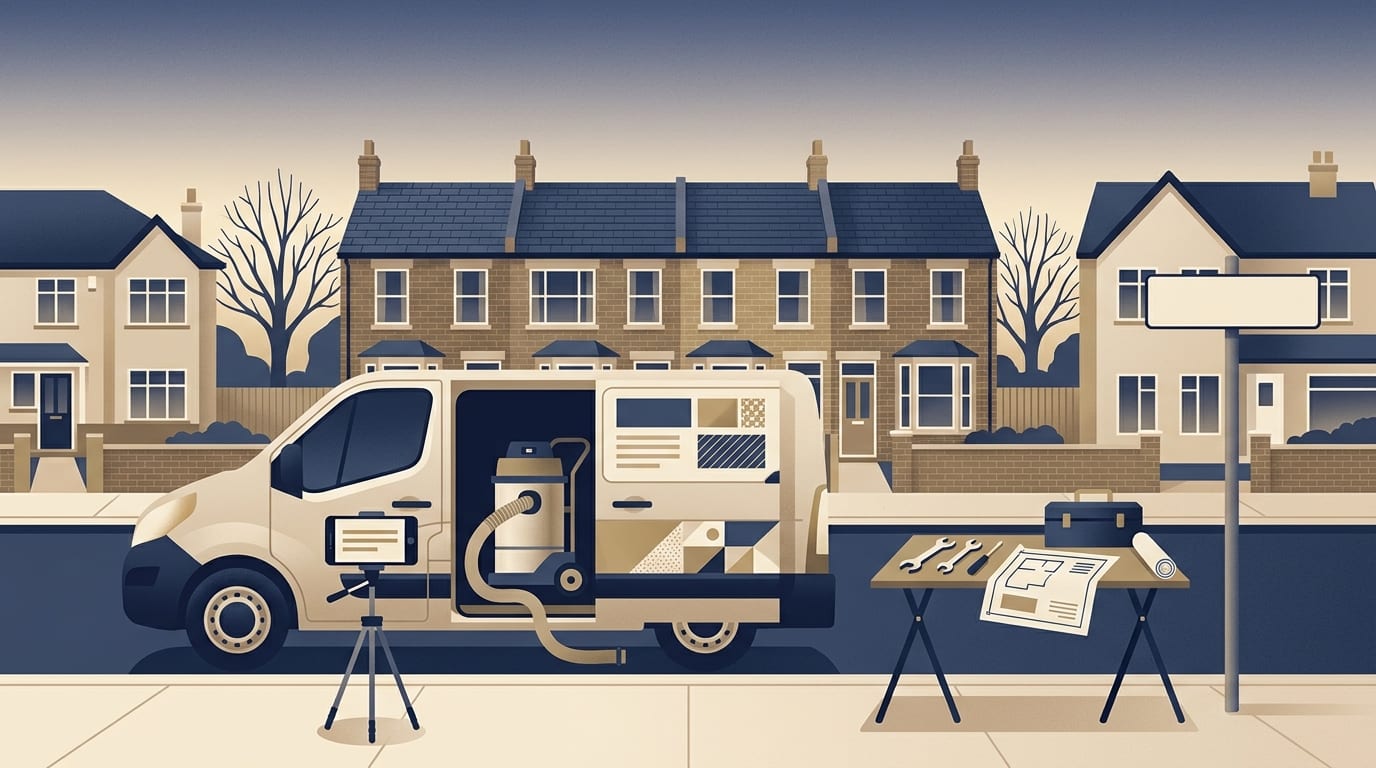
If you are asked to show evidence of the business, for example on a video, examples that suit a gutter cleaner include a signwritten van carrying the gutter vacuum, poles and ladders, the vacuum system, carbon fibre poles and camera inspection kit, hoses, nozzles, bags and spare parts for the vacuum, branded workwear, and an equipment supplier's invoice or a utility bill in the business name. Film at your own base with the machinery switched off, and never film from a ladder or at a customer's house, where the address and anyone nearby are private.
Getting the business name right
Your business name on Google should reflect your real-world name exactly as customers know it. This means the name you use consistently on your signwritten van, your website and your business stationery. Including unnecessary information in the business name is not permitted and could result in the suspension of your Business Profile. If your profile is ever suspended, there is more on fixing a suspended profile.
Google provides clear examples of what a name must not include.
- Marketing taglines about how good or fast your service is.
- Fully capitalised words.
- Phone numbers or website URLs.
- Opening hours.
- Service or product information.
- Location information such as your town or county.
To include special characters or legal terms such as Ltd in your Business Profile name, you must provide real-world proof. This means showing signage, business cards or invoices that consistently display them as part of your business name. Changing your business name later might mean you are asked to verify your business again, so it pays to get the name exactly right the first time you enter it.
Choosing your categories
Categories tell Google what your business does. You must choose a primary category that best describes your business, picking a specific category from the list that appears. You cannot create your own category, so if the specific one you want is not there, you must pick a more general one.
You can select up to nine more categories after the primary one, giving you ten in total. The category in the first field is your primary category, and the categories you select affect your local ranking on Google. Google guidelines say to use as few categories as possible to describe your overall core business. They should be as specific as possible but representative of your main business, and you should pick categories that complete the statement 'This business IS a' rather than 'this business HAS a'. Do not use categories solely as keywords or to describe features of your business.
Gutter cleaning service is the primary category on most UK gutter cleaners' profiles. Many also add categories such as Gutter service, Pressure washing service, Window cleaning service or Property maintenance. Type each one in and choose it from Google's list, and stick to the ones that genuinely describe the paid work you do.
To add or edit your categories, follow these exact steps.
- Go to your Business Profile and select Edit profile.
- Next to Business category select Edit.
- Enter a category in the Primary category box and pick one from the list.
- Select Add another category for each extra one you need.
- Select Save to update your profile.
If you add or edit a business category, you might be asked to verify your business again.
Adding your services
Businesses in certain categories, like service businesses, can show their services on their Business Profile. You choose from suggested options tailored to your business type, and you can also create custom services, group them, and add descriptions and prices. For a gutter cleaning firm, typical custom services include gutter clearing, downpipe unblocking, camera inspections, fascia and soffit cleaning and gutter repairs.
Any custom services that break policy are rejected automatically. You must avoid profanity, gibberish, personal information, prices or phone numbers in custom service names. If you want to show a price, such as from what fascia and soffit cleaning costs, put it in the service's price field rather than in the service name.
To add services to your profile, follow this path.
- Go to your Business Profile and select Edit services.
- Select the services you want and Save.
- To add more, select Edit services, then Add more services.
- Select Add custom service for anything not listed.
You can add a description to each service, for example to say whether a basic clean includes unblocking the downpipes or only clearing the gutter runs.
Setting a service area instead of an address
The address on your Business Profile is public, which is a problem if you run your business from home. If you do not serve customers at your business address, such as a service-area business, you can choose not to show your address and list your service area instead. Gutter cleaners travel to the customer to work and do not serve customers at their own address, so they fit Google's definition of a Service Area Business. Most gutter cleaners therefore choose not to show a home address, and you can set up to 20 service areas based on the cities, postcodes or other areas you serve. The boundaries of your overall area should not be more than about two hours of driving time from where your business is based, and Google asks you to be as specific and accurate as possible when setting your areas.
Opening hours and special hours
Your profile should provide your regular customer-facing hours of operation. These are the hours you are actively answering enquiries and booking work, rather than the hours you might spend doing paperwork in the evening. You may use current seasonal hours as your regular hours, and during an off-season you can mark the business as temporarily closed.
Special hours are used for holidays, special events and other exceptional circumstances. You can set them if your business temporarily adjusts its hours or stays closed for up to six days in a row. Google suggests confirming your hours for official holidays even if they are the same as your regular hours.
To set your special hours, use this menu sequence.
- Go to your Business Profile, select Edit profile, then Hours.
- In the Opening hours section next to Special hours select Edit.
- Pick the date you need to change.
- Update the hours by unticking Closed and entering times, or leave Closed ticked.
- Select Save.
Phone number and business description
The phone number on your profile must be under the direct control of the business. Google guidelines say to use a local number instead of a central call centre helpline number whenever possible, and that premium numbers are not acceptable.
Your business description shows in the 'From the business' section on your profile. It must not exceed 750 characters and must not include URLs or HTML code. Google suggests including what you offer, what makes you special and how long you have been in business. The text should focus on the business rather than promotions, prices or sales. A description for a gutter cleaning firm can mention the kit you work with, such as a gutter vacuum system and carbon fibre poles, and the jobs you take on.
Photos that work
Adding images of your daily work shows customers what you do, but photos and videos show up on Google only after you verify your Business Profile. You can add a logo, a cover photo and business photos to build a complete picture of your trade. A cover photo is not guaranteed to show as the first image, and if it is low quality a user-submitted photo may be shown instead.
Uploads can take up to 24 to 48 hours to appear, and will show as Pending, Not approved or Live in your account. Google's photo guidelines require JPG or PNG files between 10 KB and 5 MB. The recommended resolution is 720 px tall by 720 px wide, with a minimum of 250 px by 250 px. If you choose to upload videos, they can be up to 30 seconds long, up to 75 MB in file size, and must be 720p or higher in resolution.
Photos must be in focus and well lit, without significant alterations or excessive filters. Good subjects include camera shots of gutters before and after cleaning, your vacuum rig set up at your base, and your signwritten van. Always ask the customer before photographing their property, and keep house numbers, number plates and faces out of the frame. For safety and privacy, never film from a ladder, and do not film at a customer's house, where the address and anyone nearby are private.
Local ranking factors
Google states that local results are mainly based on relevance, distance and popularity. The third factor is described as prominence, which means how well-known a business is. Prominence takes in information like how many websites link to the business and how many reviews it has.
There is no way to request or pay for a better local ranking. So the useful thing to do is keep your details accurate and complete. Asking satisfied customers for an honest review is one way a business becomes better known.
Common questions
Which category should I choose?
You must choose a primary category from Google's list that best describes your core work. Most UK gutter cleaning firms select Gutter cleaning service as their primary choice, adding options like Gutter service, Window cleaning service or Property maintenance as secondary categories if they apply.
Can I put my town in the business name?
You cannot add a town or location to your business name unless it is part of your real-world name used on your van and stationery. Adding location keywords to your profile name breaks Google's rules and could result in the suspension of your profile.
How many categories can I have?
You can have one primary category and up to nine additional categories. However, Google advises using the fewest possible categories to describe your overall business, so only select those that truly match the paid work you do.
How long until photos show?
New photos and videos can take up to 24 to 48 hours to appear on your profile. Uploads show as Pending, Not approved or Live, and Not approved media doesn't show on Google.
Can I list my prices?
You can list prices against the specific services you create in the services menu. However, you must not put prices in the names of custom services, and you should not include promotional prices or sales pitches in your main business description.
Your next steps
Getting your profile set up properly takes a little patience. Work through your settings in order, because changing your business name or categories later may mean verifying again.
- Go to business.google.com/add and follow the steps to add your firm.
- Enter your real-world business name without adding extra keywords.
- Select Gutter cleaning service as your primary category.
- Set your service areas and leave your home address hidden.
- Write a clear business description under 750 characters.
- Complete the verification step, because photos and videos show on Google only after you verify.
Once your listing is verified, you can ask happy customers for honest reviews. If you want to look at gutter cleaners in other areas, you can browse gutter cleaners by location.
Find a top rated gutter cleaner near you
604 gutter cleaners across the UK, each ranked on their Google rating and the number of reviews behind it. Start with your county: