Google may suspend or disable Business Profiles that do not follow its guidelines. Finding out that your profile has been suspended can be a shock, especially if the message arrives while you are between jobs. If you believe your profile should be reinstated, you can submit an appeal.
An appeal can only be submitted once, so do not rush it before the underlying issue is fixed. Your first job is to find out what rule was broken, correct the listing, and gather your paperwork rather than trying to create a new profile.
What a suspension means for your gutter cleaning profile
If Google removes a profile, the public cannot go to it, and the owner and managers cannot act on it.
You can ask Google to reinstate it, which restores the profile and its owner and managers. It is tempting to start again with a fresh listing. However, Google's appeal page says clearly that you must not create a new Business Profile for the same business, as multiple profiles for the same business are against Google's policies.
A profile considered a duplicate will not show on Google Search or Maps anyway, so focus on fixing the suspended profile instead of abandoning it.
Why profiles get suspended or disabled
Google uses information such as user reports and licensed content, and if it determines that your business does not exist in the location you claim, it will disable your profile. Edits that try to significantly change the nature of a business are often fraudulent, and Google may reject some types of edit, such as significant changes to the business name or category.
These are the causes to check for a gutter cleaning business:
- A business name packed with extra keywords, local towns or phone numbers.
- A home address shown on the profile when customers are not actually served at that address.
- A virtual office address, which is a rented postal address the business does not operate from.
- A PO Box address, which is not permitted, because a profile with its address set at a PO Box will be suspended.
- A second profile created for the same business.
- An online only business or lead generation agent, which are ineligible business types.
- Not accessing your Google Business Profile for long periods, which may lead to access being revoked and content removed after adequate warning.
To qualify for a Business Profile, a business must make in-person contact with customers during its stated hours. As a gutter cleaner, you travel in your van to the customer's house to clear their roofline, which means you fit Google's definition of a service area business, provided your address settings are correct.
What to check before you appeal
Before you appeal, Google says to make sure the profile follows all its guidelines. Correct any mistakes that might have caused the suspension before you appeal. Start by checking that your business name on Google reflects your real-world name, exactly as used consistently on your shop front, website, stationery and as known to customers.
For a gutter cleaner, this means the name on your profile should match the signwriting on your van. Including unnecessary information in the business name is not permitted and could result in the suspension of your Business Profile. Google's examples of what a name must not include are marketing taglines, fully capitalised words, phone numbers or website URLs, opening hours, service or product information and location information.
If your branded workwear and quotes say Smith Property Maintenance, your profile name should be that, rather than Smith Property Maintenance and Window Cleaning Service. Next, check your address settings. If you run the business from home and do not serve customers at your own address, you should hide your home address and set a service area instead. Service-area businesses cannot list a virtual office unless that office is staffed during opening hours, and PO boxes and mailboxes at remote locations are not acceptable addresses.
Finally, check your categories. Gutter cleaning service should be the primary category, and you can add Gutter service, Pressure washing service, Window cleaning service and Property maintenance as additional ones if you actually offer them. If you have previously created a second profile by mistake, remove the duplicate before moving forward.
Evidence that helps an appeal
In the appeals tool you can add optional evidence to support your appeal. Google lists official business registration, a business licence, tax certificates, and utility bills for the business such as electricity, phone, water or internet. The business name and address on any document should match the profile you are appealing for.
If you work from home as a sole trader, a utility bill in the business name may be hard to get. Your own trade paperwork can sit alongside Google's list, such as an equipment supplier invoice or a utility bill in the business name, with the name and address matching the profile.
An invoice for hoses, nozzles, bags and spare parts for the vacuum, or for a camera inspection kit, is the kind of trade paperwork to look for. Make sure the text on each document is clear.
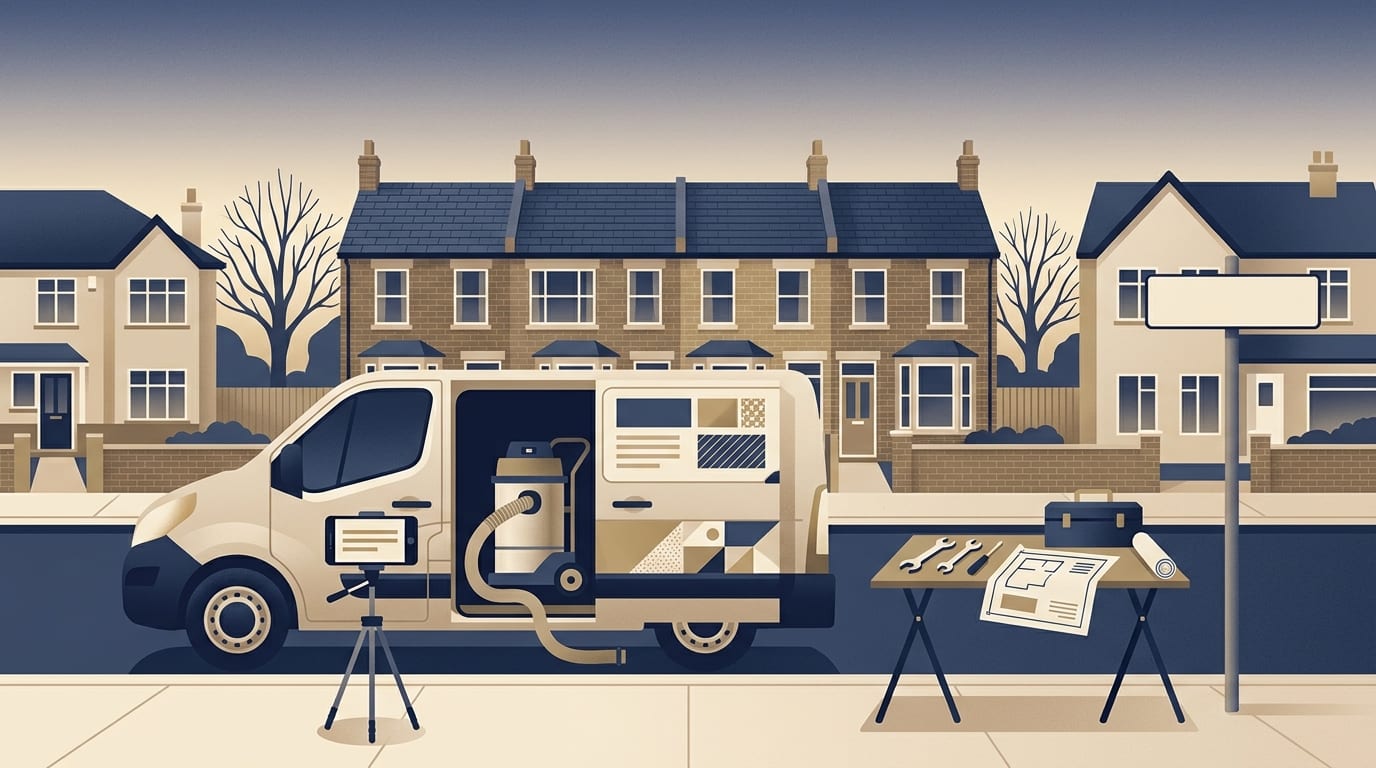
Google's list is of documents, and photos are not on it. If you also choose to attach photos, a signwritten van with your gutter vacuum, carbon fibre poles and ladders on show a working gutter cleaning business, but treat them as extras to the paperwork. Whatever you photograph or film, never film from a ladder and never film at a customer's house, where the address and anyone nearby are private. Park your van at your own base to photograph it.
How to appeal step by step
Google changes these screens from time to time, so the layout might look slightly different depending on your device. The button and menu names used here are the exact ones Google's help pages used in November 2026. Have your evidence files saved on the phone or computer you are using before you start the process.
- Open the Google Business Profile appeals tool at support.google.com/business/?p=manage_appeals, which Google's help page on suspended profiles describes.
- Select Confirm if you are signed in to the Google Account linked to the profile, or select Switch account to log in with the correct email address.
- Select the suspended profile you want to fix and select Continue.
- Select the decision you want to appeal and select Continue.
- The tool shows the date and reason for the decision, a link to the policy, whether it can be appealed and its status.
- Add your evidence documents by using the Choose file button.
- Explain in the text box why the profile should be reinstated, keeping your reasons entirely factual and calm.
- Tick the box confirming you are ready, and select Submit appeal.
When writing your explanation, state clearly that you are a service area business that travels to customers to clear gutters. Explain that you have corrected your profile to match your real-world name and hidden your home address, and point out that your attached invoices show your business name and address. Google emails you the decision.
After you appeal
Once you submit the appeal, the appeals tool shows a status for each one. The status will be one of the following:
- Submitted
- Approved
- Not approved
- Can't be appealed
- Eligible for appeal
If you have issues with a reinstated profile, Google says to contact Google Business Profile Help directly. Only if a reinstatement request is denied, Google may be able to do an additional review. In this situation, you can provide evidence that was not added to the original appeal to support your case.
When the Google Account is the problem
Sometimes a profile disappears because the user account that owns it has broken the rules, rather than the listing itself. If a Google Account is not in good standing, for example disabled, suspended or deleted, the merchant must fix that before they can access their Business Profile. If an owner's Google Account is removed, all the locations that user owns are removed too.
A merchant who shows a pattern of violating the policies may have their Business Profile access restricted. If your Google Account is restricted for violating policy, all the Business Profiles it manages are suspended, and you can't create or claim other profiles.
You appeal the account restriction first, on your My accounts page. Once the restriction is lifted, you appeal the Business Profile suspension using the steps above. There is more on managing who has access to a profile.
Restrictions for fake reviews
If Google determines a business owner has broken its Fake Engagement policy, it may restrict the profile as well as removing the reviews. This might involve blocking new reviews or ratings for a set period, unpublishing existing reviews for a set period, or showing a warning that fake reviews were removed.
Google emails the owner before applying a restriction, and the business can appeal the decision if they believe it is a mistake. In the UK, undertakings Google gave the Competition and Markets Authority in January 2025 cover businesses found boosting their star ratings with fake reviews.
Businesses caught doing this get a prominent warning on their Google profile and have their review function deactivated, so they cannot receive new reviews. Firms that do it repeatedly have all their reviews deleted for six months or more. You must never buy reviews, offer discounts in exchange for a rating, or ask friends to leave fake feedback on your profile.
Common questions
Can I just make a new profile?
No, you must not create a new Business Profile for the same business under any circumstances. Starting again would leave you with two profiles for one business, which Google's appeal page tells you not to do. Fix the suspended profile and appeal it instead.
How long does an appeal take?
Google gives no time limit for how long an appeal takes. Google emails you the decision, and meanwhile you can check the appeals tool to see if the status has moved from Submitted to Approved or Not approved.
Can I appeal twice?
Appeals can only be submitted once using the standard tool, which is why it is so important to get your evidence right the first time. The one exception is the additional review Google may be able to do after a request is denied, and it lets you add evidence that was left out of the original appeal.
Why was I suspended for no reason?
It can feel that way, but Google suspends or disables profiles that do not follow its guidelines. Check the business name, the address, duplicates and the Google Account against the causes above.
What happens to my reviews?
While Google has removed the profile, the public cannot go to it, so they cannot see its reviews either. If Google reinstates it, the profile and its owner and managers are restored. Google does not give details about the reviews.
Your next steps
Take a calm, methodical approach to Google's rules. Follow this checklist to prepare your profile and evidence before you submit your appeal:
- Check your business name matches the name on your van and paperwork, removing any extra keywords, services or towns.
- Ensure your address settings reflect a service area business, hiding your home address from the public listing.
- Delete any duplicate profiles you have previously created for the same business to clear your account.
- Gather your supplier invoices, tax certificates and utility bills, checking that the name and address match the profile.
- Submit the appeal once through the official tool, attaching your clear evidence files and a calm, factual explanation.
While Google reviews your appeal, you can browse gutter cleaners by area.
Find a top rated gutter cleaner near you
604 gutter cleaners across the UK, each ranked on their Google rating and the number of reviews behind it. Start with your county: